
September 30, 2026
1099 Readiness Checklist: What Small Businesses Should Fix Before January

1099 Readiness Checklist: What Small Businesses Should Fix Before January
January has a way of making small bookkeeping problems feel urgent.
A vendor’s legal name does not match the name in QuickBooks. A subcontractor’s W-9 is missing. Payments are spread across checks, ACH transfers, and a credit card. A contractor who worked on several jobs is listed under two different vendor profiles.
None of these issues is impossible to fix. But they are much easier to resolve before filing season than when you are trying to prepare forms under a deadline.
A 1099 readiness review is simply the process of checking your vendor information, payment records, and bookkeeping before January. It gives you time to find missing details, correct errors, and determine which payments may need further review.
This checklist is general educational information, not individualized tax advice. Reporting requirements can vary based on the tax year, payment type, business structure, vendor classification, and other facts. Always verify current requirements through IRS.gov or with your tax professional.
Why 1099 prep starts in Q4, not January
The end of the year is the right time to review contractor and vendor records because the information is still relatively fresh.
Your team may still remember:
- Which subcontractor performed work on a particular project
- Why a payment was issued
- Whether a vendor was paid by check, ACH, card, or another method
- Whether a vendor changed its business name
- Which vendors were added during the year
- Whether a transaction was entered as a bill, check, expense, or owner-paid item
Waiting until January creates avoidable pressure. You may have to contact vendors who are unavailable, search through months of bank transactions, or sort out records that were entered inconsistently.
Starting in Q4 does not mean you need to prepare every form immediately. It means you are reviewing the information that those forms may depend on.
For a broader year-end bookkeeping process, review SociaTax’s bookkeeping resources and bookkeeping basics guide.
The checklist
Review your vendor list
Start with the vendor list in your bookkeeping system. Look for every person or business your company paid for services during the year.
For a construction or home service company, this might include:
- Subcontractors
- Independent technicians
- Equipment repair providers
- Freelancers
- Consultants
- Temporary labor providers
- Attorneys
- Marketing or design contractors
Do not limit your review to vendors currently marked as “1099 eligible” in QuickBooks. That field may be incomplete or based on an earlier decision. Review the underlying vendor relationship and payment activity instead.
Look for duplicate vendor profiles, inactive vendors who received payments, vendors with incomplete addresses, and payments recorded under a generic account such as “ subcontractor expense” without a clear payee.
A useful vendor review spreadsheet can include:
| Vendor | Services provided | W-9 on file? | Legal name confirmed? | Tax classification reviewed? | Payment methods reviewed? |
|---|
This simple list gives you a place to track open questions before they become January problems.
Collect a completed W-9 during vendor onboarding, before issuing the first payment whenever possible
Form W-9 is used to request a vendor’s taxpayer identification number and other identifying information. The completed form helps you capture the vendor’s name, address, taxpayer identification number, and federal tax classification.
The best time to request it is during onboarding, before issuing the first payment whenever possible.
That process could be as simple as:
- Approve the vendor or subcontractor.
- Send the vendor your onboarding packet, including Form W-9.
- Store the completed form securely.
- Create the vendor profile using the information provided.
- Update the profile if the vendor reports a legal-name or classification change.
The IRS says a W-9 should be kept in your files for future reference. Because the form contains sensitive taxpayer information, do not leave it in an unsecured email inbox or an open shared folder.
You can find the current form and related instructions on the IRS’s About Form W-9 page.
If a vendor will not provide a completed W-9, do not simply guess the vendor’s taxpayer identification number or tax classification. Flag the issue for review. Missing or incorrect information can create additional reporting and withholding questions.
Confirm legal names and tax classifications
The name a vendor uses publicly may not be the name associated with its taxpayer identification number.
For example, a plumbing subcontractor may operate under a trade name while filing under an individual name, partnership name, or corporation. Your bookkeeping system should reflect the information needed for reporting, not just the name your field team recognizes.
Compare the vendor record with the completed W-9 and check for:
- Legal name
- Business name, if different
- Mailing address
- Taxpayer identification number
- Federal tax classification
- Any recent change in ownership or entity status
Do not determine a vendor’s classification based only on whether the vendor has an LLC, sends an invoice, or works independently. An LLC can have different federal tax classifications, and the reporting treatment may depend on more than the business name.
Also keep worker classification separate from 1099 preparation. Whether someone should be treated as an employee or independent contractor is a separate question. The IRS provides guidance on this distinction through its independent contractor and employee resources.
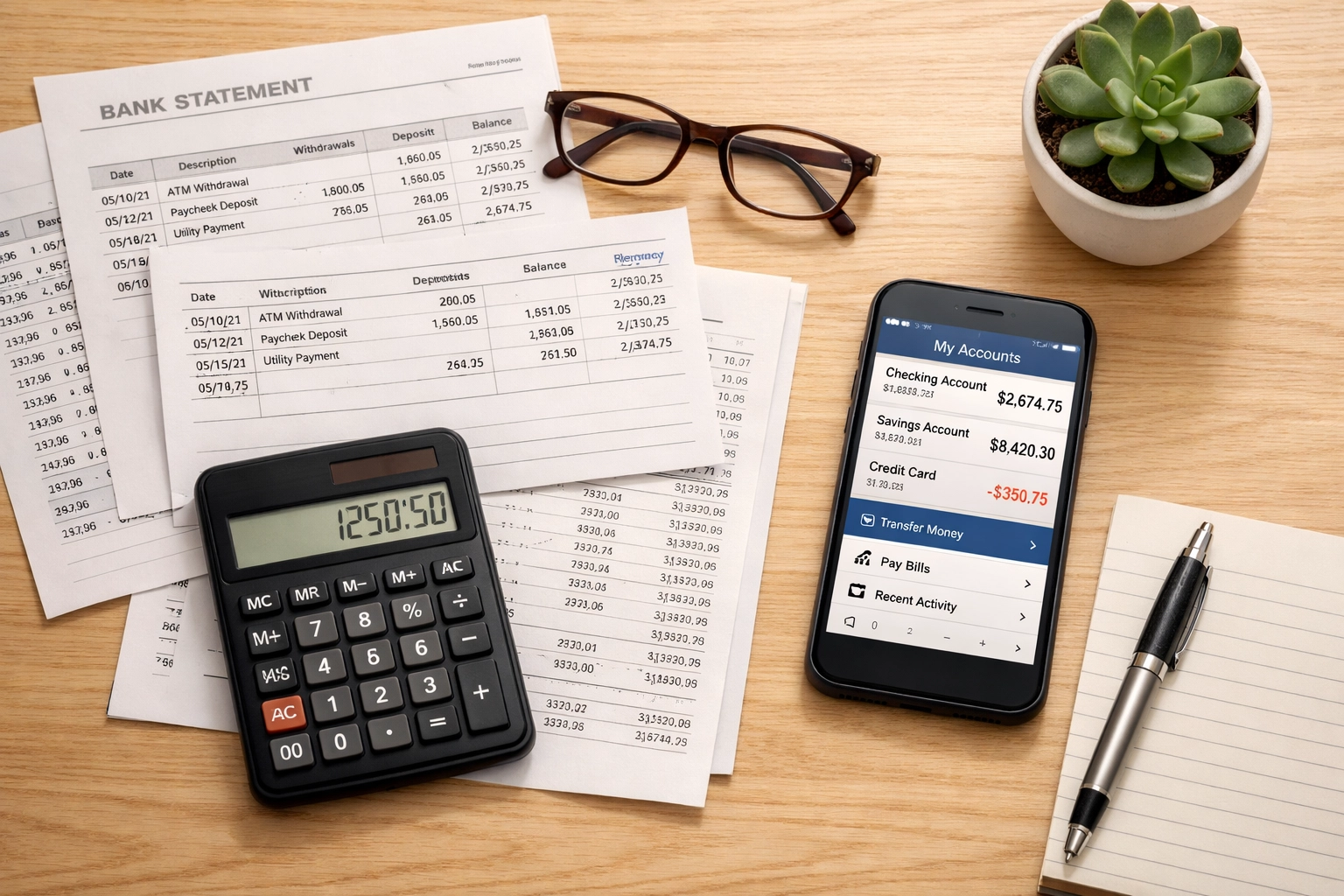
Review payment totals and payment methods
Next, review how much each vendor was paid and how those payments were made.
Do not assume that the total in one QuickBooks expense account is the complete reportable amount. Payments may be spread across:
- Checks
- ACH transfers
- Online bill-pay systems
- Cash
- Credit cards
- Debit cards
- Third-party payment networks
- Owner-paid expenses
- Job-costing or project accounts
For each vendor, compare the vendor record to bank, credit card, and payment-platform activity. Look for payments that were:
- Entered under a different vendor name
- Coded to the wrong expense account
- Recorded as a bill payment rather than a direct expense
- Excluded from the vendor’s transaction history
- Duplicated
- Posted in the wrong year
Payment method matters because certain card and third-party network payments may be subject to separate information reporting by the payment settlement entity rather than being reported the same way as other vendor payments. The IRS specifically addresses these distinctions in the Instructions for Forms 1099-MISC and 1099-NEC.
This is one reason not to prepare forms by simply exporting every expense categorized as “contract labor.” Review the vendor, the service, the payment method, and the bookkeeping entry together.
Identify missing information before filing season
Create a short list of vendors with incomplete or questionable records.
Common warning signs include:
- No W-9 on file
- A W-9 that is incomplete or unsigned when certification is required
- A taxpayer identification number that appears incomplete
- A vendor name that does not match the W-9
- An address that is missing or outdated
- Two vendor profiles that may belong to the same business
- Payments made to a vendor that was not included in your 1099 review
- A vendor who changed entity type during the year
- Transactions recorded without a clear description
Contact vendors early and make the request specific. Instead of writing, “Please send your tax information,” explain that you are updating your year-end vendor records and need a completed current Form W-9.
Keep a record of your request and any response. If a vendor does not respond, document the follow-up rather than allowing the issue to disappear.
Suzy’s perspective: One of the biggest mistakes I see is treating vendor information as a one-time setup task. A business can have accurate records when a subcontractor is first hired and still have outdated information by year-end. A quick Q4 review helps catch changes before they affect reporting.
Correct your bookkeeping records now
A 1099 review often exposes bookkeeping problems that should be corrected before forms are prepared.
Review whether:
- Vendor payments are attached to the correct vendor profile
- Contractor payments are recorded in the correct expense or cost-of-job account
- Personal transactions were accidentally included
- Reimbursements were mixed with contractor compensation
- Credit card payments were recorded twice
- Bills and bill payments were both counted as expenses
- Transfers were incorrectly categorized as vendor payments
- Payments were entered in the wrong accounting period
- Subcontractor costs were assigned to the correct job or class
Do not delete transactions just because they appear unusual. An unusual transaction may be a legitimate payment, a duplicate, a reimbursement, a transfer, or an entry that needs reclassification.
Instead, trace the transaction to its source document and determine what actually happened. If a correction is needed, document the reason for the change.

Clean bookkeeping matters because the information on an information return should agree with the underlying records. If the vendor total on a 1099 does not match your books, you should be able to explain why.
Reporting requirements: general educational information
The phrase “1099 requirements” covers several different information-reporting rules. Form 1099-NEC is generally associated with nonemployee compensation for services performed for a trade or business. Form 1099-MISC may apply to certain other types of payments.
However, not every vendor payment belongs on the same form, and not every vendor payment is reportable in the same way.
The analysis may depend on:
- The type of service or payment
- Whether the payment was made in the course of your trade or business
- Whether the payee is an employee or nonemployee
- The vendor’s tax classification
- Whether an exception applies
- Whether the payment was made by card or through a third-party network
- The tax year involved
- Federal and state reporting rules
Requirements, thresholds, forms, and filing dates can change. Do not rely on an old checklist, last year’s form, or an online article that does not identify the applicable tax year.
For current information, begin with the IRS’s:
- Forms and associated taxes for independent contractors
- Instructions for Forms 1099-MISC and 1099-NEC
- About Form 1099-NEC
- General Instructions for Certain Information Returns
This article is general educational information. It does not determine whether your business must issue a particular form, whether a payment qualifies for an exception, or how a specific vendor should be classified.
How to verify current requirements through official IRS sources
Before preparing forms:
- Confirm the tax year you are reporting.
- Open the current IRS instructions for the relevant form.
- Review the sections covering who must file, reportable payments, exceptions, taxpayer identification numbers, and filing procedures.
- Check whether payment methods affect reporting.
- Review state requirements separately if applicable.
- Ask your tax professional about unusual payments, missing information, worker classification, or backup withholding questions.
When in doubt, use the current IRS source rather than relying on a specific number copied from an older article.
FAQ
Should I collect a W-9 from every vendor?
You should consider requesting a completed W-9 during onboarding from vendors who may provide reportable services. It is generally better to collect the information early than to wait until you are preparing forms. Whether a payment is reportable still depends on the facts and current requirements.
Does every subcontractor payment go on Form 1099-NEC?
No. The reporting treatment can depend on the type of payment, the payee’s status and classification, applicable exceptions, and how the payment was made. Review the current IRS instructions before deciding how a payment should be reported.
What if a vendor refuses to provide a W-9?
Document your request and follow up. Do not guess the vendor’s taxpayer identification number or classification. Missing information may create additional compliance and withholding questions, so consider discussing the situation with your tax professional.
Can I prepare 1099s from my contractor expense account?
Not safely in every case. A contractor expense account may include payments made through methods with different reporting treatment, reimbursements, duplicates, or transactions assigned to the wrong vendor. Review the vendor and payment details before preparing forms.
What should I do if I discover an error after a form is filed?
Do not ignore it or create a replacement form without reviewing the correction process. The appropriate steps can depend on the type of error and how the original form was filed. Consult the current IRS instructions or your tax professional.
Make year-end 1099 filing less painful
A 1099 review is not just a January filing task. It is a bookkeeping cleanup task that starts with accurate vendor records, completed W-9s, consistent payment tracking, and clear documentation.
If your vendor list is incomplete, payments are spread across several accounts, or you are unsure whether your books reflect what was actually paid, a cleanup review can give you a clearer starting point.
SociaTax can help you review your bookkeeping records and prepare for year-end vendor reporting. Our team works with growing businesses that need organized books, reliable vendor tracking, and financial information they can understand before filing season arrives.
This article provides general educational information and is not individualized tax, legal, payroll, or financial advice. Verify current federal and state requirements for the applicable tax year with IRS.gov and your qualified advisor.